DAC Generic Zip Input
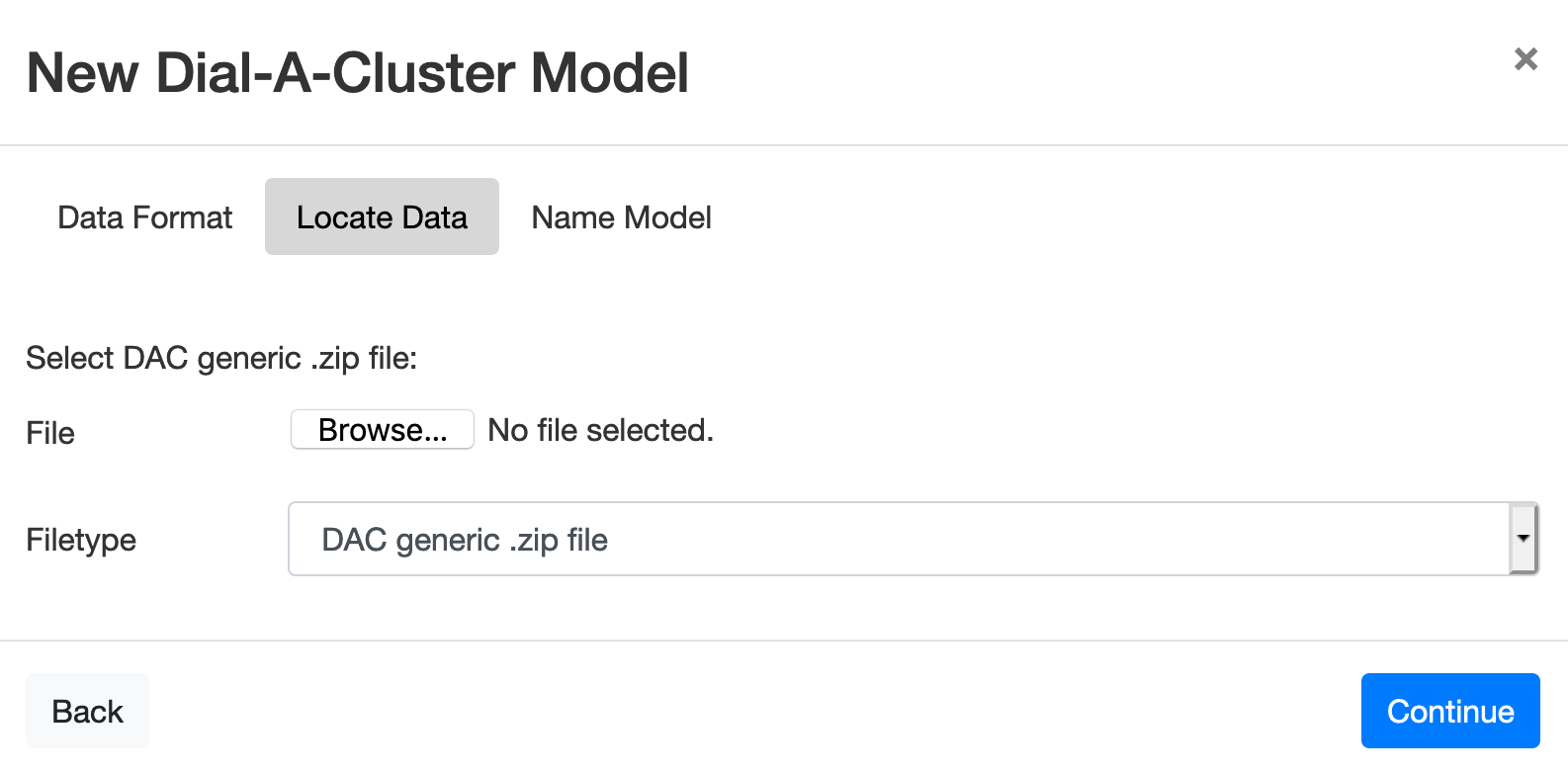
Figure 6: Locate Data tab to select the zip file used in the DAC Generic Format.
The Locate Data tab for the Dial-A-Cluster Generic Format provides a local file browser for uploading the zip file from your desktop, or shared drive (see Dial-A-Cluster Generic Format for details on the formatting of the generic zip file contents). First, click Browse in the Locate Data tab shown in Figure 6, then using the popup file browser, navigate to the location of the zip file and select it. Press Continue to advance to the Name Model tab.